A Dyson Cyclone V10 vacuum is famous for its strong suction, smart design, and cordless freedom. But what if one day you charge your V10 fully, unplug it, press the trigger, and nothing happens? Many Dyson owners face this issue: Dyson Cyclone V10 charged but not working. It’s frustrating, especially if you rely on your vacuum for quick daily cleaning.
This article will help you solve this problem step by step. We’ll look at the 10 most common reasons your V10 might be charged but not working, explain how to check each one, and show you simple ways to fix or avoid them.
You’ll also find practical tips, clear tables, and answers to common questions at the end.
Why Your Dyson V10 Won’t Work Even When Fully Charged
A Dyson V10 that’s charged but not working usually means there’s a problem with power flow, sensors, or basic parts—not the battery itself. Sometimes, the solution is simple, but other times it’s less obvious. Let’s look at the 10 main reasons for this issue and how to deal with each.
1. Trigger Switch Failure
The trigger switch is what you press to turn the vacuum on and off. If this part fails, the V10 won’t start even if the battery is full.
What To Check
- Does the trigger feel loose or stuck?
- Can you hear a click when you press it?
Solution
If the trigger is stuck, gently move it back and forth. Sometimes, dust or debris can jam the mechanism. If it feels broken or there’s no click, the trigger switch may need replacing. Only a trained technician should open the handle to fix internal switches, as the parts are delicate.
Pro Tip
The trigger is used every time you clean, so it wears out faster than most parts. If your V10 is older than two years and you clean often, this is a likely cause.

Credit: thevacuumwizard.co.uk
2. Battery Connection Issue
Sometimes, the battery is charged but not connected well to the vacuum. This stops power from reaching the motor.
What To Check
- Remove and reattach the battery.
- Look for dust or corrosion on the battery contacts.
Solution
Clean the contacts with a dry cloth. If you see green or white powder (corrosion), use a cotton swab and a bit of isopropyl alcohol. Make sure the battery clicks firmly into place. If it still does not work, try another battery if you have one.
Insight
Many users only check if the battery is charged but forget to check the actual connection. A loose battery can mimic a dead vacuum.
3. Blocked Airway Or Filter
The V10 will not start if it senses a blockage in the air path or filter.
What To Check
- Remove the bin and look into the airway.
- Check the filter (purple part on top) for dirt.
Solution
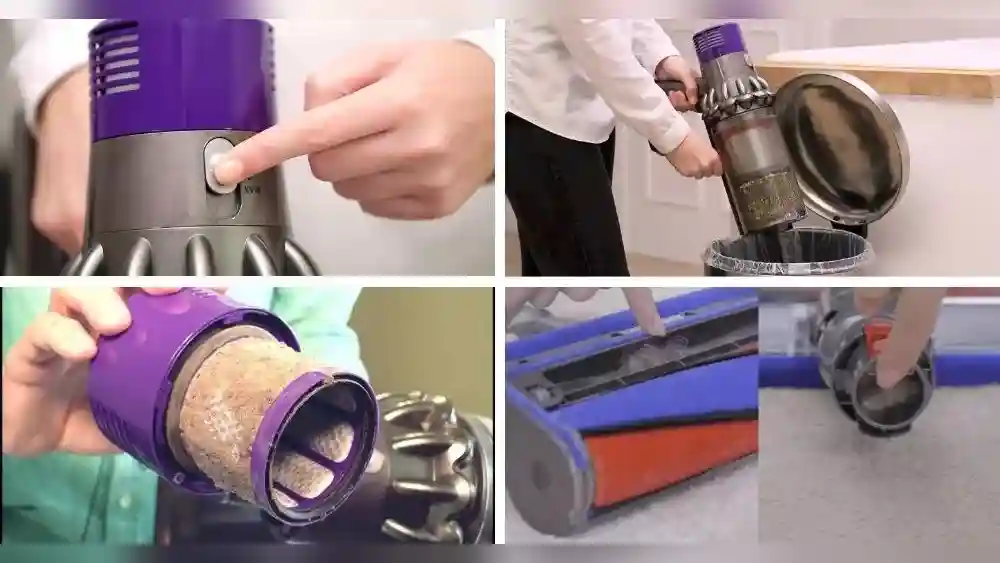
Clear any obvious clogs. Take out the filter, wash it with cold water (no soap), and let it dry for at least 24 hours before putting it back. If you skip drying, the vacuum won’t work, and you could damage it.
Key Fact
The V10 has safety sensors that stop it from running if airflow is blocked—even if the battery is full.
4. Faulty Charger Or Charging Port
Your battery may show as “charged” but actually isn’t, due to a charger or port problem.
What To Check
- Does the charger light up when plugged in?
- Does the battery show a solid blue light when charging?
Solution
Try charging the battery in a different outlet. If possible, use another V10 charger. If the battery charges elsewhere, your original charger or port may be faulty.
Table: Charger Light Signals
| Light Color | What It Means |
|---|---|
| Blue (steady) | Charging normally |
| Blue (off) | Charging complete or not charging |
| Red/Amber | Error (battery or charger issue) |
5. Motorhead Or Wand Not Attached Properly
The V10 detects if the motorhead or wand is not attached. If not clicked in, it won’t run.
What To Check
- Remove and reattach the wand and motorhead.
- Listen for a firm “click.”
Solution
Inspect the metal prongs inside the wand and the vacuum body. If bent, gently straighten them. Clean any dust or hair that might stop a good connection.
Extra Tip
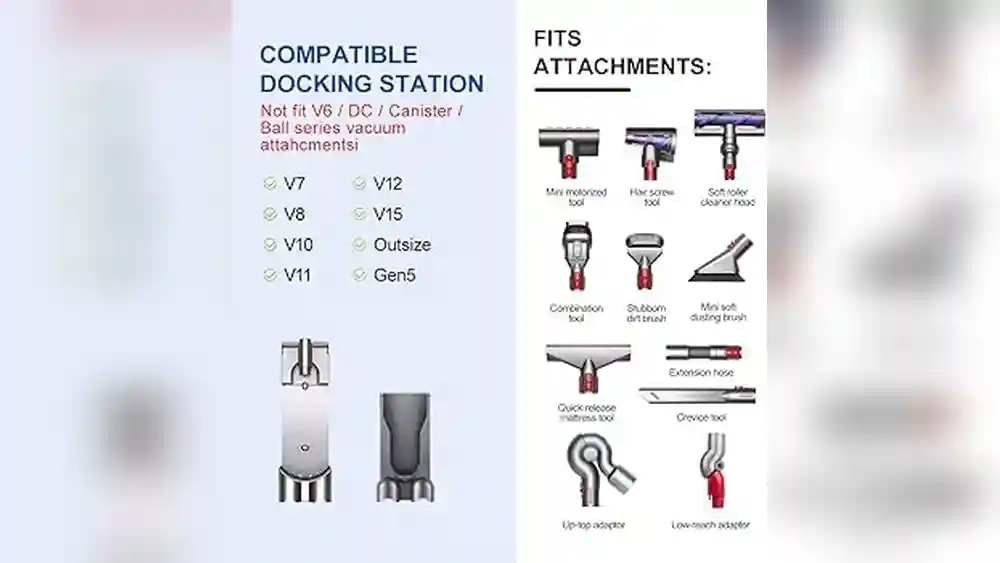
If you use a third-party wand or attachment, it may not fit perfectly. Always use genuine Dyson parts to avoid connection problems.
6. Internal Fuse Or Circuit Failure
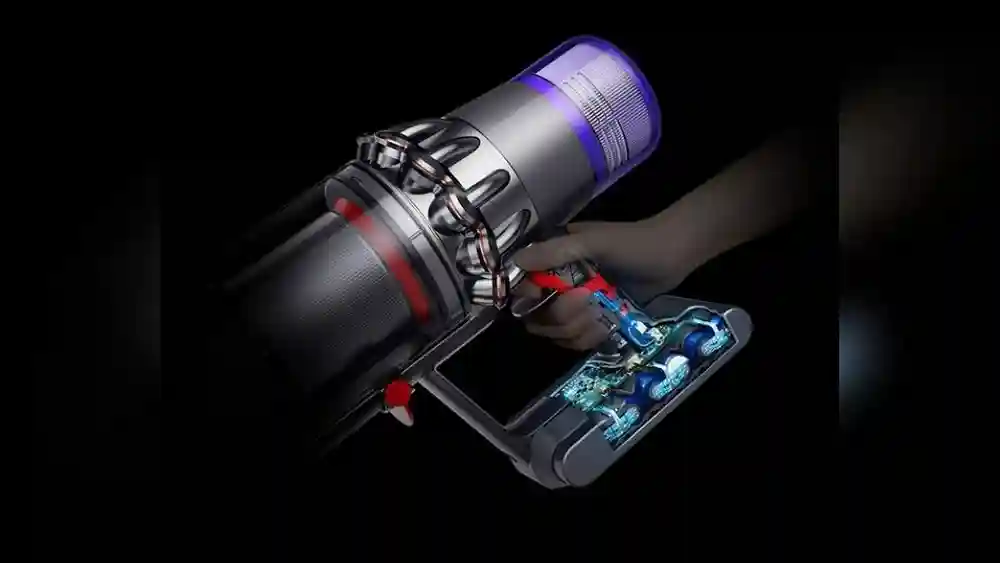
Inside the V10 is a fuse that protects the vacuum from power surges. If blown, the vacuum won’t start.
What To Check
- Did the vacuum stop suddenly during use?
- Is there a burnt smell from the body?
Solution
A blown fuse can only be replaced by opening the vacuum, which should be done by a professional. If your V10 is under warranty, contact Dyson support.
Data Point
According to Dyson’s support forums, internal fuse failure is rare but does happen, especially if the vacuum overheats or is used with the wrong charger.
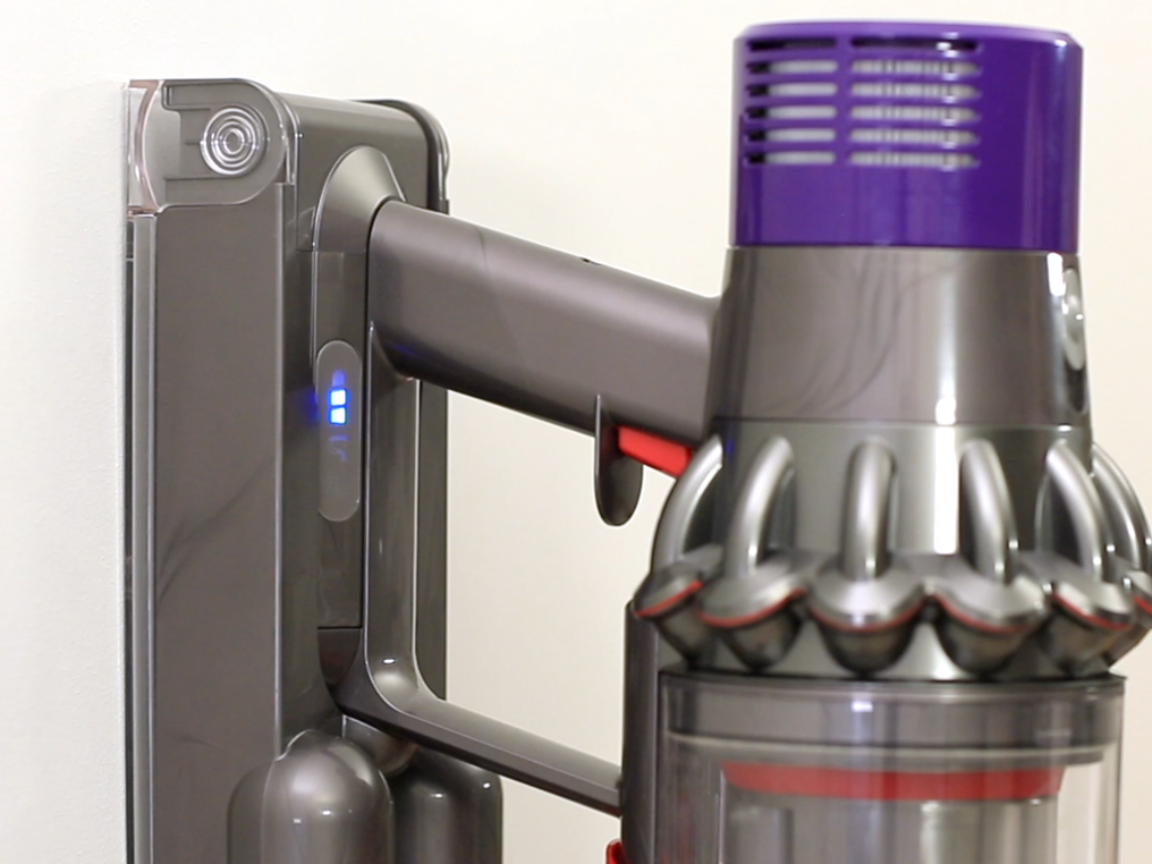
7. Dirty Or Misaligned Sensors
Your V10 has sensors that check for blockages, filter position, and battery connection. Dirt can confuse these sensors.
What To Check
- Are the filter and bin firmly attached?
- Is there visible dust around sensor areas?
Solution
Wipe sensor areas with a soft, dry cloth. Make sure the filter and bin are correctly seated. Sometimes, removing and reattaching the filter resets the sensors.
Non-obvious Insight
Many people clean the filter but forget the small sensor windows near the filter and bin locks. Dirty sensors can block operation even if airflow is fine.
Credit: support.dyson.ee
8. Overheated Motor Protection
The V10’s motor has thermal protection. If it gets too hot, it shuts off and won’t restart until cooled.
What To Check
- Was the vacuum used for a long time before stopping?
- Is the body hot to the touch?
Solution
Let the vacuum cool down for at least 1 hour. Make sure all blockages are cleared. After cooling, try again.
Table: Motor Overheat Recovery Times
| Condition | Recommended Wait Time |
|---|---|
| Light use (10-15 min) | 30 minutes |
| Heavy use (30+ min) | 1-2 hours |
Pro Tip
Frequent overheating usually points to a blocked filter, full bin, or poor ventilation.
9. Software Or Firmware Error
Modern Dysons, including the V10, have simple software to manage power and safety. Sometimes, this gets stuck.
What To Check
- Is there a blinking red or amber light?
- Has the vacuum stopped working after a power surge or failed charge?
Solution
Perform a “soft reset. ” Remove the battery, leave it out for 5 minutes, then reinsert and try again. If this does not work, contact Dyson for firmware support.
Interesting Fact
Firmware glitches are rare but can happen after an electrical storm or if you plug in the charger during a surge.
10. Battery Cell Failure (hidden)
Even if your V10 shows as “charged,” a battery cell inside might be dead. The vacuum won’t run, but the lights may show “full.”
What To Check
- Does the vacuum run for only a few seconds, or not at all?
- Has the run time dropped recently?
Solution
Try a new battery if you can borrow one. If it works, your old battery has failed internally and needs replacing. Original Dyson batteries last about 2-4 years, depending on use.
Comparison: Original Vs Aftermarket Batteries
| Battery Type | Average Lifespan | Warranty |
|---|---|---|
| Original Dyson | 2-4 years | 1-2 years |
| Aftermarket | 1-2 years | Varies |
Smart Advice
If your V10 is over three years old and used daily, the battery is often the weakest link—even if the “charge” light says full.
How To Prevent V10 Problems
A few simple habits can keep your Dyson Cyclone V10 working smoothly:
- Clean the filter every month and let it dry completely.
- Empty the bin before it reaches “MAX.”
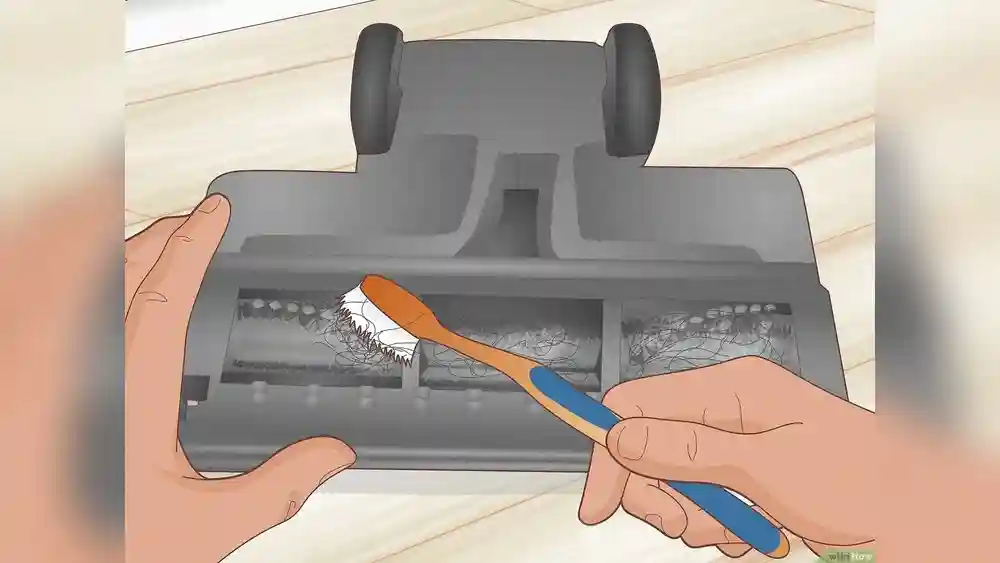
- Check for blockages in the wand and motorhead regularly.
- Store the vacuum in a cool, dry place.
- Use only official Dyson chargers and batteries to avoid electrical issues.

Credit: www.youtube.com
When To Call Dyson Support
If you’ve tried all the steps above and your V10 still won’t work, or if you see red/amber lights, it’s time to contact Dyson. Most repairs inside the motor or circuit board require special tools and training. If your vacuum is under warranty, repairs or replacements may be free.
You can find official support at Dyson Support.
Frequently Asked Questions
Why Does My Dyson V10 Show A Full Charge But Not Turn On?
This often means there’s a connection problem, a blocked filter, or a safety sensor stopping operation. It’s less common for the battery to be the only issue if the lights show “full.”
How Do I Reset My Dyson V10?
Remove the battery, wait five minutes, and reattach it. Also, make sure the filter and bin are locked in place. This “soft reset” clears most simple errors.
My V10 Worked Yesterday But Not Today—what Changed?
Check for a loose battery, blocked filter, or a misaligned wand. Sometimes, parts shift during storage or cleaning, causing new problems.
Is It Safe To Open My V10 And Check The Inside?
Opening the V10 can void your warranty and is not recommended for most users. Only clean or remove parts that Dyson says are user-serviceable, like the filter and bin.
Where Can I Buy Genuine Dyson Batteries Or Parts?
Buy from Dyson’s official website or trusted retailers. Avoid cheap third-party batteries, as they may damage your vacuum or deliver poor performance.
A Dyson Cyclone V10 that’s charged but not working can be stressful, but most issues are easy to fix with some patience and careful checking. By following these steps and tips, you’ll save time, avoid costly mistakes, and keep your vacuum cleaning for years to come.