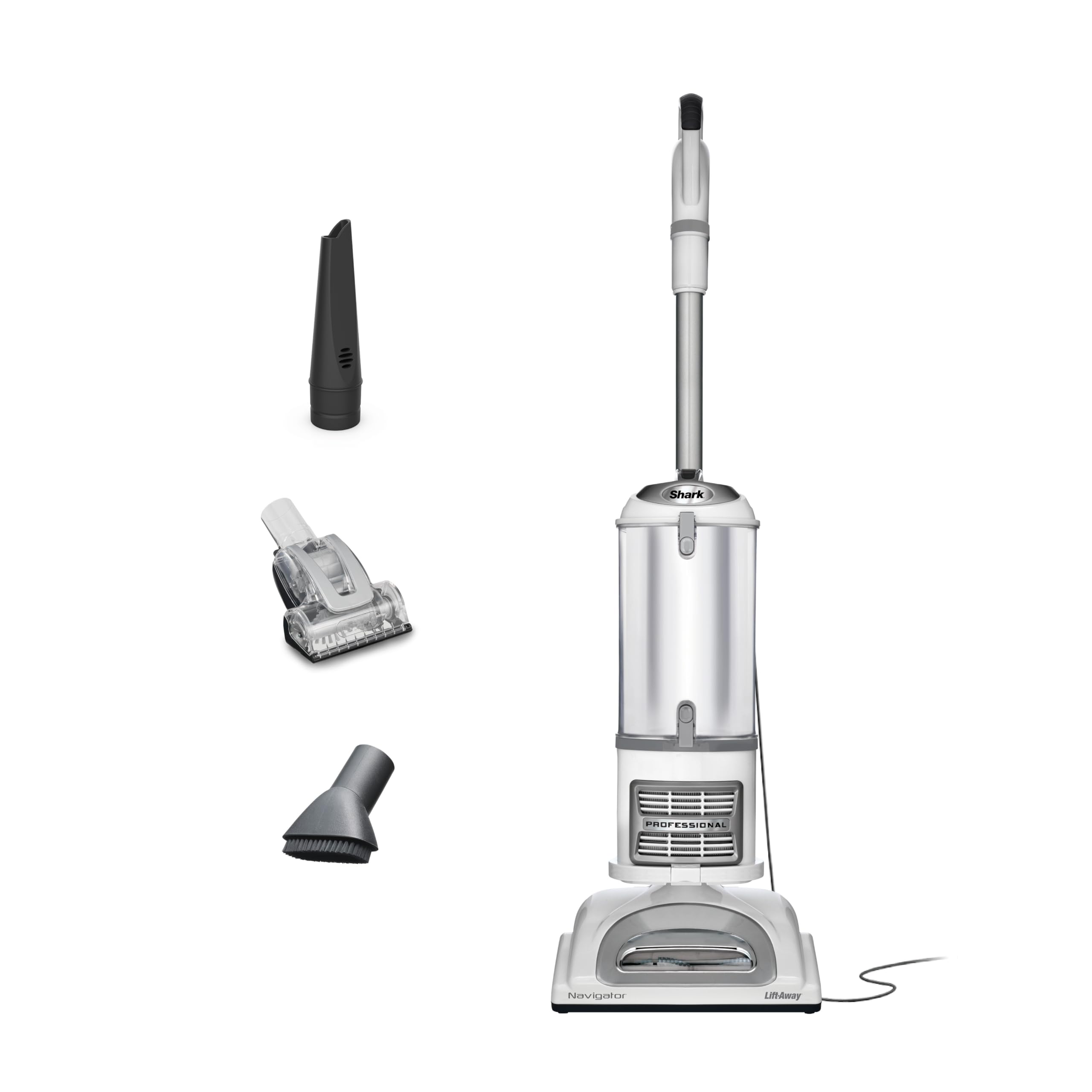
A Shark Navigator vacuum is a trusted tool for cleaning both carpets and hard floors. Many homeowners rely on its strong suction and easy maneuverability. But sometimes, you may notice that the brush roll refuses to turn on when cleaning hard floors. This issue can be both confusing and frustrating. It can lead to poor cleaning results, especially when you need to pick up dust, hair, or debris from tile, wood, or laminate. Understanding why this happens, and how to solve it, is essential for getting the best performance from your Shark Navigator.
This guide will help you get to the root of the problem. You’ll discover common causes, practical solutions, and tips to avoid future issues. Whether you’re new to Shark vacuums or a long-time user, you’ll find clear steps and helpful advice here. Let’s explore how to fix the Shark Navigator brush that will not turn on when you’re cleaning hard floors—so you can keep your home spotless with less stress.
How The Shark Navigator Brush System Works
Before solving the problem, it helps to know how your Shark Navigator operates. The brush roll is a spinning bar with bristles, located at the bottom of the vacuum. On carpets, it agitates fibers to lift dirt. On hard floors, it sweeps debris into the suction path. Some Shark Navigator models have a brush roll on/off switch or an automatic system that stops the brush on certain floor types.
Many users believe the brush roll should always spin. But on some models, the brush roll is designed to stop on hard floors to protect delicate surfaces. Others let you control it manually. Knowing how your specific model works can prevent confusion and help you diagnose actual problems.
Top Reasons The Brush Will Not Turn On Hard Floor
If your Shark Navigator brush doesn’t spin on hard floors, several issues could be at play. Here are the most common reasons:
- Floor Selector Switch Position: If set to “Carpet,” the brush spins. If set to “Hard Floor,” some models turn off the brush to avoid scratching floors.
- Brush Roll Switch Malfunction: The physical switch might be faulty or stuck.
- Loose or Broken Belt: The belt drives the brush roll. If it’s broken or loose, the brush won’t spin.
- Obstruction or Debris: Hair, string, or debris can jam the brush roll.
- Dirty or Blocked Sensors: Sensors may prevent the brush from spinning if they detect a blockage or motor issue.
- Faulty Motor: The motor that powers the brush could be worn out or damaged.
- Loose Electrical Connections: Wires or connectors inside the vacuum could be loose.
- Overheated Vacuum: If the vacuum overheats, the brush roll may shut off as a safety feature.
- Power Head Not Properly Attached: If the floor head isn’t clicked in securely, the brush roll may not get power.
- Worn Out Brush Roll: Old, damaged bristles or bearings can stop the brush from turning.
Let’s look at each reason in more detail, and learn how to check and fix them.
Understanding Floor Selector Controls
Shark Navigator vacuums often come with a floor selector switch. This lets you change between carpet and hard floor modes. The switch may be on the handle or the vacuum body. Some models have an automatic sensor instead.
When you set it to “Carpet,” the brush roll should spin. On “Hard Floor,” some models turn off the brush to avoid scratching or scattering debris. This is not a defect, but a feature to protect your floors.
Non-obvious insight: Not all hard floors are the same. For example, sealed hardwood may tolerate a spinning brush, but soft vinyl could scratch. Always check your floor type and read your model’s manual to see what the manufacturer recommends.
If you notice your brush roll never spins on hard floor mode, check the selector switch. Toggle it between carpet and hard floor while the vacuum is on. Listen for a change in motor sound or feel for vibration at the base.
If nothing changes, there may be a switch or electrical issue.
Checking The Brush Roll Switch And Settings
Some Shark Navigator models have a brush roll power switch separate from the main power. If this switch is off, the brush won’t turn regardless of floor type. Make sure the switch is fully engaged.
Practical tip: Dirt or moisture can cause the switch to stick. Press it several times to free it up. If it still doesn’t work, the switch may need cleaning or replacement.
If your model has lights that indicate when the brush is on, check if they’re working. No light may mean an electrical problem or a blown indicator bulb.
Inspecting And Replacing The Brush Roll Belt
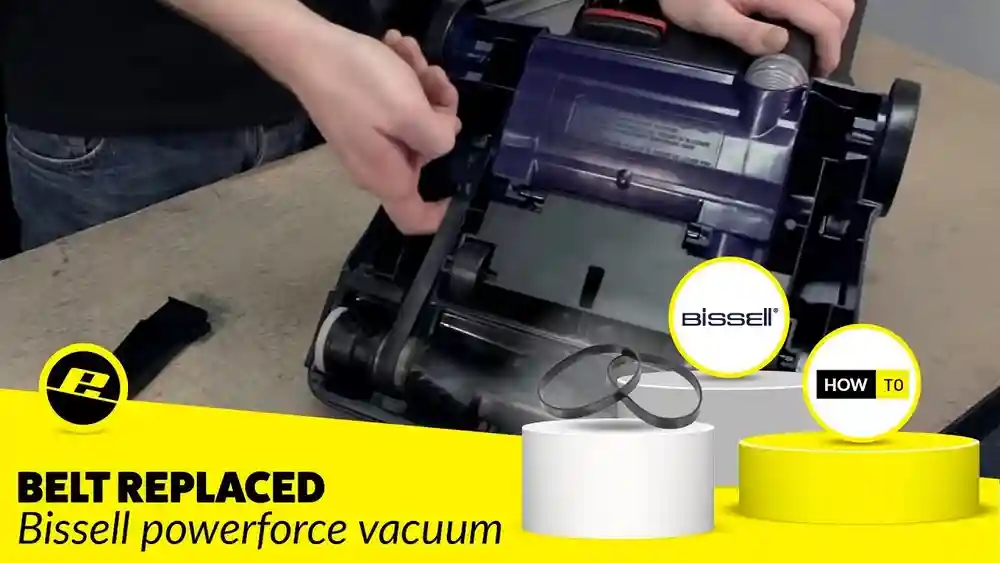
A common reason the Shark Navigator brush stops spinning is a broken or slipped belt. The belt is a rubber loop that connects the motor to the brush roll, making it spin.
How To Check The Belt
- Unplug the vacuum for safety.
- Flip the vacuum over to access the brush roll area.
- Remove the screws securing the bottom plate. Set them aside.
- Lift the plate to reveal the brush and belt.
If the belt is snapped, loose, or out of place, the brush roll can’t spin. Sometimes the belt stretches over time, making it slip.
Replacing The Belt
- Take a photo of the belt’s path for reference.
- Remove the old belt.
- Slide a new, correct-size belt onto the motor spindle and the brush roll.
- Reassemble the vacuum.
Non-obvious insight: Always use genuine Shark replacement belts. Off-brand belts may stretch too quickly or not fit right, leading to repeat problems.
Clearing Obstructions And Debris
Even a little debris can jam the brush roll. Hair, string, and lint often wrap around the brush, especially if you have pets.
Steps To Remove Blockages
- Unplug the vacuum.
- Flip it over and inspect the brush roll.
- Use scissors or a seam ripper to cut away hair or threads.
- Spin the brush by hand. It should rotate freely.
If the brush feels stiff or doesn’t turn, check the ends for debris stuck in the bearings. Some models allow you to pull out the brush roll for cleaning.
Pro tip: Regularly clean the brush roll—at least once a month for homes with pets or long hair.
Cleaning Or Resetting Sensors
Some Shark Navigator models have safety sensors that monitor for jams or overheating. If these sensors detect a problem, they may disable the brush roll.
Sensor Maintenance Steps
- Unplug the vacuum.
- Wipe sensors near the brush area with a dry, clean cloth.
- If your vacuum has a reset button (often near the base), press it after cleaning.
If the brush roll still won’t spin, let the vacuum cool down for 30 minutes and try again. Overheated sensors may need time to reset.
Non-obvious insight: Dust can coat sensors and cause false positives. Keep these areas clean even if you don’t see visible dirt.
Testing And Replacing The Brush Roll Motor
If you’ve checked all the above and the brush roll still won’t work, the motor that drives the brush roll might be the culprit.
Signs Of A Faulty Motor
- No sound or movement from the brush area, even with the correct settings.
- Burning smell or visible sparking.
- The vacuum works for suction, but brush roll remains still.
Motor Replacement Steps
- Unplug the vacuum and remove the brush roll and belt.
- Locate the motor housing (usually behind the brush area).
- Check for burnt wires or connections.
- If the motor shows signs of damage, order a replacement from Shark or a certified dealer.
Replacing the motor is more advanced. If you’re not comfortable, contact Shark customer service or a qualified repair shop.
Fixing Loose Electrical Connections
Loose wires or connectors can prevent the brush roll from receiving power. This can happen after a drop, heavy use, or a manufacturing defect.
Checking Connections
- Unplug the vacuum.
- Open the brush roll area and inspect visible wires.
- Look for disconnected, frayed, or burnt wires.
- Reconnect any loose wires and secure them with electrical tape.
If you see signs of burning or melting, stop using the vacuum and contact a professional.
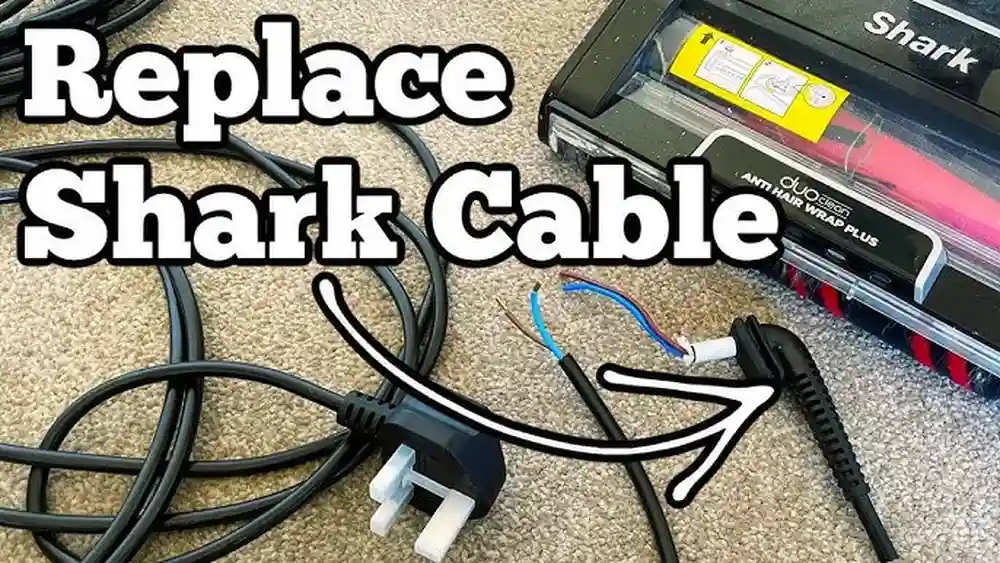
Important: Never operate a vacuum with exposed or damaged wiring. This can be dangerous.
Preventing Overheating
A Shark Navigator may automatically shut off the brush roll if it overheats. This is a safety feature to prevent motor damage or fire.
Causes Of Overheating
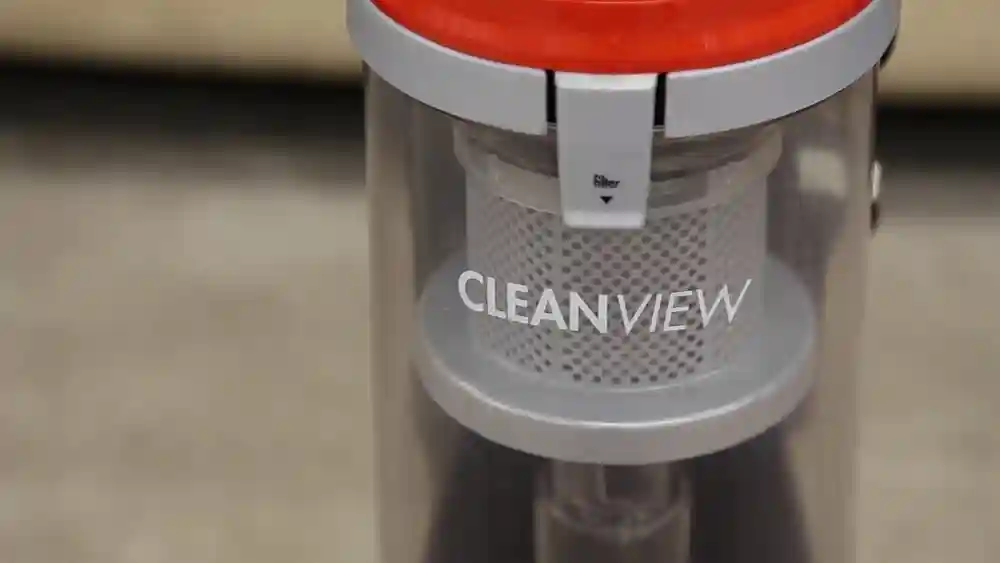
- Overfilled dustbin or clogged filters.
- Long periods of continuous use.
- Blocked airways or hoses.
- Thick carpet fibers putting extra load on the brush.
What To Do
- Turn off and unplug the vacuum.
- Empty the dustbin.
- Clean or replace filters.
- Check for blockages in the hose and air pathways.
- Wait 30 minutes for the vacuum to cool before restarting.
Pro tip: Clean filters every 1-2 months and avoid vacuuming for more than 30 minutes at a time without breaks.
Credit: hoover.com
Ensuring The Power Head Is Properly Attached
If the vacuum’s power head (the part with the brush roll) isn’t connected firmly, it may not get power to the brush.
How To Check
- Unplug and detach the power head.
- Reattach it, listening for a firm click.
- Wiggle the connection gently to test for looseness.
If the connection feels insecure, check for broken clips or bent pins. Replace any damaged parts as needed.
Dealing With A Worn Out Brush Roll
Over time, the brush roll itself can wear out. Bristles may flatten, bearings may seize, or the roll may warp.
Signs You Need A New Brush Roll
- Bristles are visibly worn or missing.
- The brush roll makes grinding or squeaking noises.
- It doesn’t spin freely by hand, even after cleaning.
Replacing the brush roll is usually simple and can restore your vacuum’s performance. Always use a genuine replacement part for best results.
Model Differences: Not All Shark Navigators Are The Same
Different Shark Navigator models work in slightly different ways. Some have manual brush roll switches, while others use sensors to detect floor type.
Here’s a comparison of how two common models handle the brush roll on hard floors:
| Model | Brush Roll Control | Brush Roll Spins on Hard Floor? | Notes |
|---|---|---|---|
| Shark Navigator Lift-Away NV352 | Manual switch | No | Brush roll stays off in Hard Floor mode |
| Shark Navigator Swivel Pro ZU56 | Automatic sensor | Yes (if debris detected) | Brush roll may activate briefly on hard floors |
Always consult your user manual for specific instructions about your model.
Shark Navigator Maintenance Tips For Reliable Brush Roll Performance
Regular care can prevent many brush roll problems. Here are some proven ways to keep your Shark Navigator working well:
- Empty the dustbin after every use. Overfilled bins can block airflow and cause overheating.
- Clean the filters monthly. Dirty filters reduce suction and can trigger safety shut-offs.
- Inspect the brush roll for hair and debris every 2-4 weeks.
- Check the belt for wear or stretching every six months.
- Store the vacuum in a dry place to avoid rust and moisture damage.
Long-term insight: Keeping up with maintenance will extend the life of your vacuum and reduce costly repairs.

Credit: www.lowes.com
Common Mistakes That Lead To Brush Roll Issues
Many users unknowingly cause or worsen brush roll problems. Here are some mistakes to avoid:
- Ignoring tangled hair: Even small amounts can strain the belt or motor.
- Vacuuming wet debris: Moisture can ruin motors and belts.
- Skipping filter cleaning: This causes the vacuum to overwork and overheat.
- Not securing the power head: Loose connections cut power to the brush roll.
- Using the wrong belt or brush roll: Non-genuine parts may not fit or function properly.
Avoid these pitfalls to keep your Shark Navigator in top shape.
When To Call A Professional Or Contact Shark Support
If you’ve tried all troubleshooting steps and the brush roll still won’t work, it may be time for expert help. Signs you should call a professional:
- Burning smells or visible sparking from the brush area.
- The vacuum shuts off immediately after turning on.
- No power to any part of the vacuum.
- You’re not comfortable opening up the vacuum or handling wiring.
Most Shark Navigator vacuums come with a warranty. If your vacuum is still covered, contact Shark support for advice or repairs. You can find more help at the official Shark support website.
Troubleshooting Checklist: Quick Reference
For your convenience, here’s a quick reference table for Shark Navigator brush roll troubleshooting steps:
| Problem | Possible Cause | Solution |
|---|---|---|
| Brush won’t spin on hard floor | Floor selector set to Hard Floor | Set to Carpet or check if model allows brush on hard floors |
| No power to brush roll | Loose connection or switch issue | Check and secure all connections, test switches |
| Brush roll stuck | Debris or jam | Clean brush roll and remove obstructions |
| Strange noises | Worn or misaligned belt | Inspect and replace belt |
| Brush turns off during use | Overheating or clogged filters | Let vacuum cool, clean filters and airways |
How To Choose The Right Replacement Parts
If you need to replace the belt, brush roll, or other parts, it’s important to pick the right ones.
- Check your model number: It’s usually on the bottom or back of the vacuum.
- Buy from official sources: Use Shark’s website or trusted retailers.
- Avoid generic parts: They may not fit or last as long.
- Compare specifications: Make sure the part matches your vacuum’s needs.
Genuine parts cost more, but they protect your investment and ensure reliable performance.
Credit: www.amazon.com
Real-life Example: Fixing A Shark Navigator Brush Roll
Consider this scenario: Maria owns a Shark Navigator NV352. She notices the brush roll never spins on her kitchen tiles, but works fine on her living room carpet. She tries switching modes, but nothing changes.
Following the steps in this guide, Maria:
- Checks the floor selector (set to Hard Floor—correct for her model, brush should not spin on tile).
- Inspects the brush roll and finds no debris.
- Tests the belt, which is intact.
- Reviews her user manual and learns her model disables the brush on hard floors to prevent scratches.
This is normal for her vacuum. Maria now understands her vacuum is working as designed, not broken.
Lesson: Sometimes, the “problem” is actually a feature. Always check your manual and learn your vacuum’s functions.
Frequently Asked Questions
What Should I Do If My Shark Navigator Brush Roll Only Stops On Hard Floors?
First, check your model’s manual—some models are designed to stop the brush roll on hard floors to protect surfaces. If your model should spin the brush on hard floors, inspect the floor selector switch, belt, and for any obstructions.
Why Does My Shark Navigator Brush Roll Work On Carpet But Not On Hard Floor?
This can happen if the floor selector is set to Hard Floor mode, which may turn off the brush on some models. If the brush should spin on both surfaces, check for belt issues, blockages, or faulty switches.
How Can I Tell If The Belt Needs Replacing?
If the brush roll does not spin, feels loose, or you hear a burning smell, the belt may be broken or stretched. Open the bottom plate to inspect it. Replace with a genuine Shark belt if needed.
Does Cleaning The Filters Affect Brush Roll Performance?
Yes. Clogged filters can cause the vacuum to overheat, which may trigger safety sensors and shut off the brush roll. Clean or replace filters every 1-2 months for best results.
Where Can I Find Official Shark Navigator Replacement Parts?
You can find genuine parts on the official Shark website, in major retail stores, or through authorized online sellers. Avoid generic parts to ensure the best fit and longest life.
Keeping your Shark Navigator in top shape doesn’t have to be complicated. With regular care and a bit of troubleshooting, you can solve most brush roll issues and keep your floors looking their best. Understanding how your vacuum works—and knowing the difference between a defect and a feature—will help you get the most from your cleaning routine.