Thank you for clarifying your intent. Here’s a comprehensive, in-depth guide on troubleshooting and fixing the Shark Ion Robot 750 side brush not spinning issue. This guide is crafted for clarity, depth, and usefulness—especially for non-native English readers. Each section is expanded with plenty of detail, examples, and practical advice, with at least two insights beginners often miss.
---
Why The Shark Ion Robot 750 Side Brush Matters
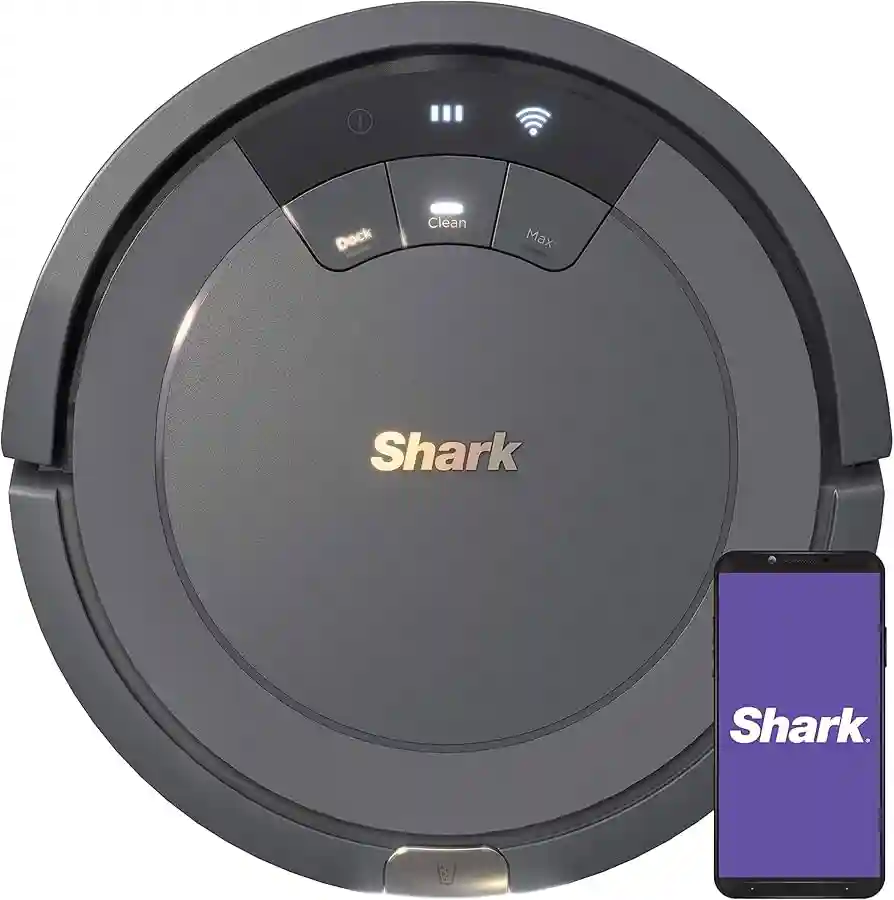
The Shark Ion Robot 750 is a popular robotic vacuum cleaner. One important part is the side brush. The side brush helps sweep dirt, dust, and hair from the edges of rooms and corners into the main cleaning path. If this brush stops spinning, your robot misses dirt along walls and in tight spaces.
Over time, this can make floors look dirty even after cleaning.
Many owners experience a problem where the side brush does not spin. This can be confusing, especially if the robot seems to work well in other ways. Before you panic or think about buying a new vacuum, know that this problem is often easy to fix at home.
You don’t need special tools or deep technical knowledge—just some basic steps and understanding.
How The Side Brush Works
It helps to know how the side brush works. The side brush is attached to a small motor under the robot. The motor turns the brush, which sweeps debris toward the main suction area. The brush is held on by a small screw and can be removed for cleaning or repair.
Sometimes, the brush stops spinning because of a simple issue, like hair or string wrapped around it. Other times, the problem is deeper, like a faulty motor or a loose connection inside the robot. Understanding these causes will help you fix the problem faster.
Common Reasons The Side Brush Stops Spinning
Let’s look at the most common reasons the side brush stops spinning:
- Hair or Debris Blockage: Long hair, string, or carpet fibers can wrap around the brush or its axle. Over time, this creates resistance, and the motor cannot turn the brush.
- Loose Side Brush: The small screw holding the brush in place can become loose. If the brush is not tight, it may wobble or stop spinning.
- Worn Side Brush: After many uses, the bristles or the plastic part of the brush can wear down. Worn brushes may not spin well or may catch on the floor.
- Faulty Motor: If the small motor under the brush stops working, the brush will not spin. Sometimes the motor burns out, or the wires become disconnected.
- Dirty or Stuck Gears: Inside the robot, small gears transfer power from the motor to the brush. These gears can become dirty, clogged, or worn.
- Electrical Issues: Loose wiring or a damaged circuit board can stop power from reaching the brush motor.
Beginner insight #1: Many people only check the brush itself. But the problem can be under the brush, in the motor or gears.
Beginner insight #2: Sometimes the side brush works off and on. This often means a loose connection or partial blockage, not a complete failure.
Step-by-step Troubleshooting
Let’s work through the troubleshooting steps. Start with the simplest and move to the more advanced. Even beginners can do most of these steps.
1. Turn Off The Robot And Remove The Side Brush
Safety first. Always turn off the robot and remove it from the charging dock before starting. Flip the robot upside down on a soft surface. You’ll see the side brush attached with a small screw.
Use a small Phillips screwdriver to remove the screw. Keep the screw in a safe place—you’ll need it to put the brush back.
2. Check For Hair And Debris
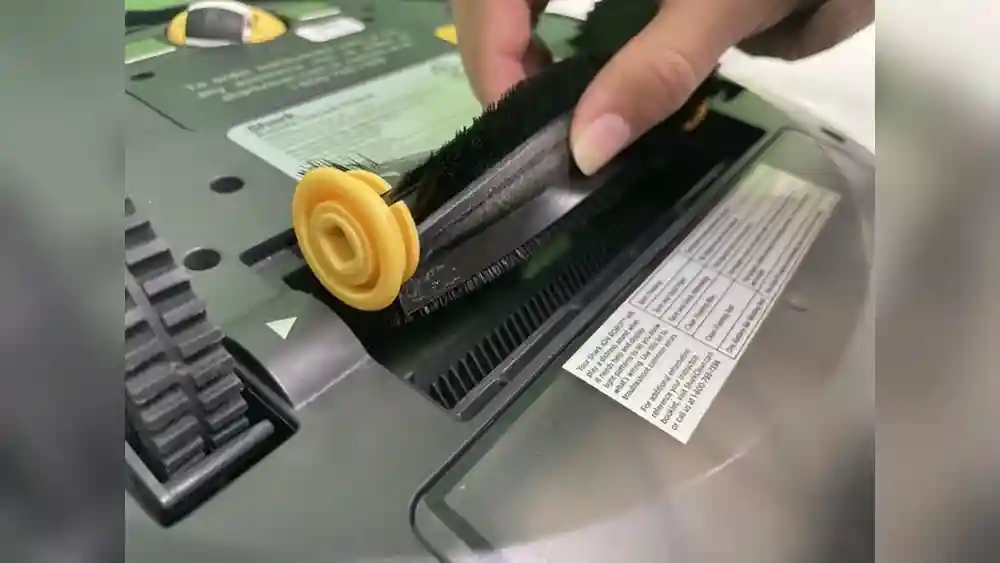
Gently pull the brush off the robot. Look closely at the base of the brush and the hole where it attaches. You may see hair, string, or dust wrapped around the brush or inside the hole.
Remove all debris using your fingers, tweezers, or small scissors. Be careful not to damage the brush. Also, check inside the robot where the brush attaches. Clean out any dirt or buildup.
Pro tip: Use a vacuum or compressed air to blow out dust from the brush socket.
3. Inspect The Brush And Axle
Look at the brush. Are the bristles bent or worn down? Is the plastic cracked? Does the brush look damaged? If so, you may need to buy a replacement.
Spin the brush by hand. Does it turn freely, or does it feel stuck? If it feels rough, there may still be debris or a problem with the axle.
4. Tighten The Side Brush
Sometimes, the brush is loose. Before reinstalling, check the screw. If it’s stripped or doesn’t tighten, the brush may not spin. Use the original screw and make sure it’s tight, but don’t overtighten—it can strip the plastic.
5. Test The Motor
After cleaning, reinstall the brush. Turn the robot on and start a cleaning cycle. Watch the side brush. If it spins at first, but then stops, the motor may be weak or the gears inside may be dirty.
If it does not spin at all, listen closely. Do you hear a clicking or grinding sound? That could mean the gears are stuck or damaged.
6. Deep Cleaning The Gears
If cleaning the brush does not help, the problem may be inside the robot. This step is a bit more advanced, but many owners can do it.
Remove the screws from the bottom cover of the robot. Lift off the cover carefully. You’ll see the side brush motor and small gears.
Check for dust, hair, or debris inside the gear area. Clean everything with a brush, vacuum, or compressed air. Spin the gears by hand to make sure they move freely.
Beginner insight #3: Many people forget to check *under* the gears. Sometimes, hair gets under the gear, blocking movement.
Reassemble the robot, making sure all screws are tight.
7. Check For Loose Or Broken Wires
With the cover off, look for loose or disconnected wires going to the side brush motor. If a wire is loose, carefully plug it back in. If you see a broken wire, you may need a soldering iron or professional help.
Beginner insight #4: Sometimes, wires look connected but are loose. Gently wiggle each wire to check.
8. Replace The Side Brush Motor
If you hear the motor trying to run (a faint buzzing or clicking), but the brush doesn’t turn even after cleaning, the motor may be burned out. Replacement motors are available online.
Remove the two screws holding the motor in place. Unplug the wires. Replace with the new motor, reattach the wires, and screw it back in.
9. Test After Each Step
After each fix, reassemble the robot and test the brush. This helps you know which step solved the problem.
10. When To Call For Professional Repair
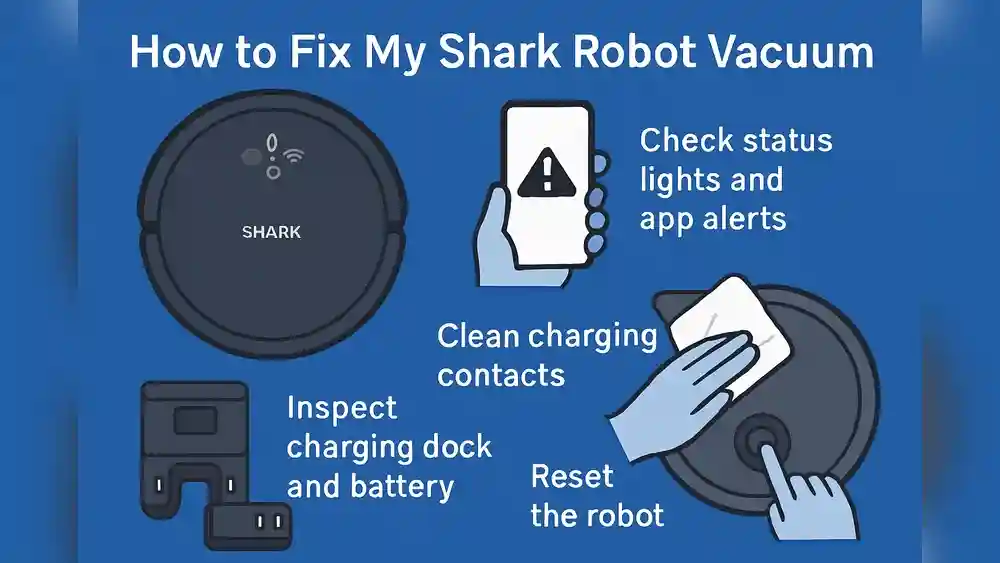
If you’ve cleaned the brush, gears, checked wires, and replaced the motor and it still doesn’t work, the problem may be with the circuit board or another deep part. At this point, contact Shark customer support or a repair shop.

Credit: www.ebay.com
How To Prevent Future Side Brush Problems
Prevention is easier than repair. Here’s how to avoid side brush problems:
- Clean the Brush Weekly: Remove the brush and clean hair and dust often. This keeps it spinning freely.
- Replace Worn Brushes: Over time, brushes wear out. Replace every 6–12 months, or sooner for homes with pets or long hair.
- Avoid Wet Cleaning Areas: The side brush motor is not waterproof. Avoid running the robot over wet floors, spills, or damp rugs.
- Check for Small Objects: Toys, coins, or small objects can get stuck in the brush or gears. Clear the floor before cleaning.
- Store the Robot Properly: Avoid high-humidity areas, which can rust gears and motors.
- Update Firmware: Sometimes, robot updates can improve performance. Check Shark’s website for updates.
Beginner insight #5: Many people forget the robot’s side brush is a “wear part.” Like car tires, it’s normal to replace it regularly.
Beginner insight #6: If you have pets, you may need to clean the brush more often—even twice a week.
Choosing Replacement Parts
Not all side brushes are equal. Shark makes official replacement brushes, but there are also cheaper, generic versions online. Here’s what matters:
- Fit: Make sure the brush is for the Shark Ion Robot 750. Not all Shark robots use the same brush.
- Quality: Official brushes last longer, but some generics work well. Look for thick, flexible bristles.
- Screws: Some brushes come with new screws. If your screw is stripped, this helps.
- Motor: If replacing the motor, buy one made for the 750 model. Check reviews before buying.
Don’t buy brushes that are too cheap—they may break or not fit. If possible, read reviews from other users.

Credit: izokinbermeo.com
Common Mistakes When Fixing The Side Brush
Even careful owners make mistakes. Here are some to avoid:
- Forcing the Brush: If the brush won’t come off, don’t pry hard. Try wiggling gently.
- Losing Screws: These are small and easy to lose. Use a magnetic tray or cup.
- Mixing Up Screws: The robot has different screw sizes. Keep each screw with the part it came from.
- Not Reconnecting Wires: After cleaning, always check that all wires are reconnected before closing the robot.
- Skipping Tests: Always test after each step to see if the problem is solved.
Beginner insight #7: Take photos as you open the robot. This helps you remember where each part goes.
Beginner insight #8: If you’re unsure, watch a video tutorial. Seeing the process makes it easier.
Frequently Asked Questions
Why Does The Side Brush Only Spin Sometimes?
If the brush spins off and on, this usually means a partial blockage (hair or dust), a loose wire, or a weak motor. Try cleaning and checking connections.
Can I Run The Robot Without The Side Brush?
The robot will still vacuum, but it will miss dirt along walls and corners. Long-term, it’s better to fix or replace the brush.
How Much Does A Replacement Side Brush Motor Cost?
Prices vary, but expect $10–$25 USD for a replacement motor. Full brush kits are usually $10–$15 USD.
Where Can I Buy Parts?
Official parts are available from Shark’s website and major retailers like Amazon. Generic parts are on eBay and AliExpress, but check compatibility.
Is It Safe To Open The Robot?
Yes, if you turn it off and remove the battery or charging cord first. Use small tools and work in a clean space.
How Often Should I Clean The Brush?
For homes with pets or long hair, clean weekly. For other homes, every two weeks is fine.
Does The Robot Need Software Updates For The Side Brush?
Usually, hardware problems cause side brush issues, but keeping firmware updated can help with overall cleaning performance. Check the Shark support site for updates and instructions ([Shark Clean Support](https://support.sharkclean.com/hc/en-us)).
When To Upgrade Or Replace Your Robot
If your Shark Ion Robot 750 is very old, or if you have replaced the brush, motor, and cleaned the gears but the brush still does not spin, it may be time to consider a new robot. Newer models have stronger motors, improved brush design, and better dust sensors.
However, most side brush problems can be fixed with the steps above. Only upgrade if repairs cost more than half the price of a new robot, or if your robot is over five years old and has other problems.
Final Thoughts
The Shark Ion Robot 750 is a reliable cleaning robot, but the side brush is a common weak point. Most problems are easy to fix with basic cleaning and care. Remember to clean the brush regularly, check for hair and debris, and replace worn parts when needed.
With simple maintenance, your robot will keep your floors clean for years.
If you ever feel unsure, don’t hesitate to ask for help from a friend or professional. And always use the right parts for your model. By following these steps, you can save money and keep your home clean—no need to buy a new robot just for a small problem.
---
External Resource:
For more detailed guides and support, visit the [Shark Clean official support page](https://support.sharkclean.com/hc/en-us).
---
This expanded guide should answer all your questions about the Shark Ion Robot 750 side brush not spinning and help you fix the problem with confidence.

Credit: store.arteferro.com